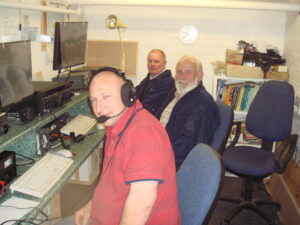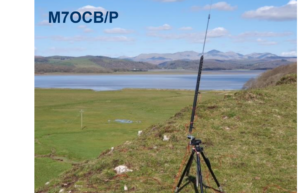
Feeling on top of the world is Clive (formerly known as M7OCB) who recently passed his intermediate examination and has now become 2E0IKN
Inspired by his success Clive, a keen SOTA operator , will now go on to study for the full licence in the Autumn. Delighted to have passed Clive paid tribute to the excellent on- line tuition of Wythall’s very own G0EYO who has introduced so many into the hobby; he is crossing his fingers that G0EYO may again be one of his on-line tutors for the full licence course.
The good weather has encouraged many operators to venture out and to prepare for future outings.
Down on the South Coast Kev has received the SOTA pole ordered and is actively experimenting with different antenna options, in particular getting down to the sea front (Torquay) to take the salt water advantage.
Kev writes “I’ve got three portable antennas I can use , a shortish 7m ish random wire, a 20m length long wire as well as the dipole: plan to test one antenna per evening and see which one works best”
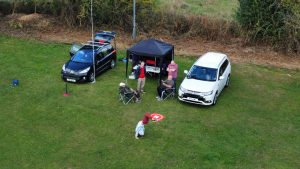
He has also been out and about on the Moors (See picture right) operating mobile for the car. 
Lee G0MTN meanwhile is planning a National Field Day CW QRP entry from his garden but has warmed up nicely on Minehead Sea front making 32 CW contacts over the recent contest weekend (WW WPX CW) using only 2.5 watts and a FT817 to the much discussed Miracle whip.
To avoid unwanted attention whilst operating Lee can set up in minutes, croc clip a random wire to the back of the 817 and sit innocently on a sea front bench working the USA and Canada and many European stations, all on his miracle whip.
In preparation for the NFD weekend on June 3rd and 4th Lee writes:
“I’ve built a linked doublet (see picture). 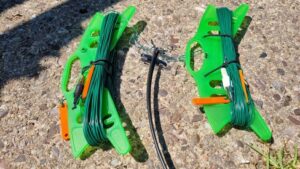 It’s a commonly used idea in NFD- to have a longer antenna overnight for the low bands and shorten it to make the antenna more efficient during the day on the higher bands. For QRP work my junk box phono connectors will hopefully suffice”
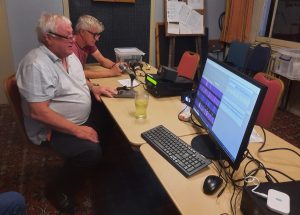
And finally Chris G3YHF in Manjana is feeling the heat and has taken the sensible option and retreating for a cold beer planning to erect a 10m dipole in the near future!! (See picture below left)
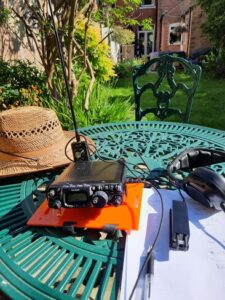
All this recent activity has generated some very informed and lively discussion within Wythall Radio Club on SOTA and portable operating; we are indeed lucky to have such expertise available in the Club
Watch this space as we prepare for the GB0BUS operation at The Wythall Transport Museum on Saturday 17th June. We would be delighted to see interested parties so do come along , see our operating stations and enjoy a friendly chat and ask questions about the amazing Wythall Radio Club
More information on all our events to follow


 Visitors welcome at Wythall Radio Club’s free demo of short-wave and VHF radio communication, on Saturday 9th Sept. between 10 and 3.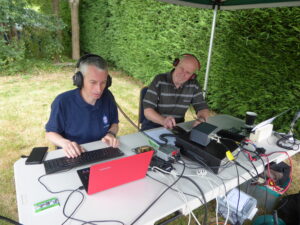
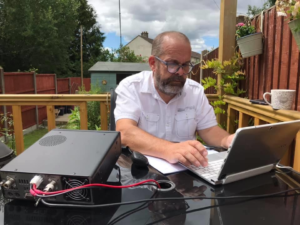
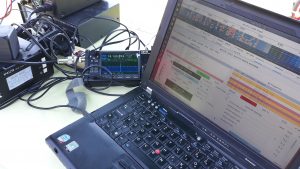 Thanks to the internet, it’s possible to listen on amateur radio frequencies without a special short wave receiver.
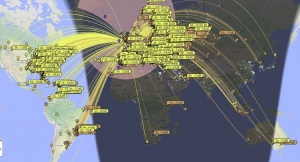 CALL SIGNS
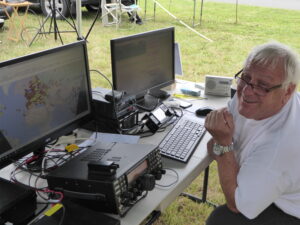 Visitors welcome at Wythall Radio Club’s famous ‘Plug and Play’ event on Saturday 9th Sept. between 10 and 3.
 The open evening is on Tuesday 5th Sept. from 8-9pm in the Darts Room, on the ground floor of Wythall House. Follow the signs.
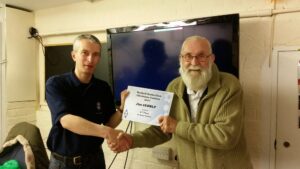 He helped out at all of the club ham rallies and was often to be found providing sustenance at club portable events such as field days, plug and play, special event stations and the summer BBQs. The club was able to show Jim how much we appreciated his enthusiasm for club events by naming a trophy after him last year. He was also very supportive through some difficult times at the club. Jim’s involvement with radio started in the CB days of the 1980’s and Jim always had the odd CB radio around although I don’t believe he used it very often.